adaptive_foreground
Adaptive foreground color and a glassy, App Store-style bottom navigation bar for Flutter. Live luminance sampling, zero boilerplate. Published on pub.dev under mojaber.me.
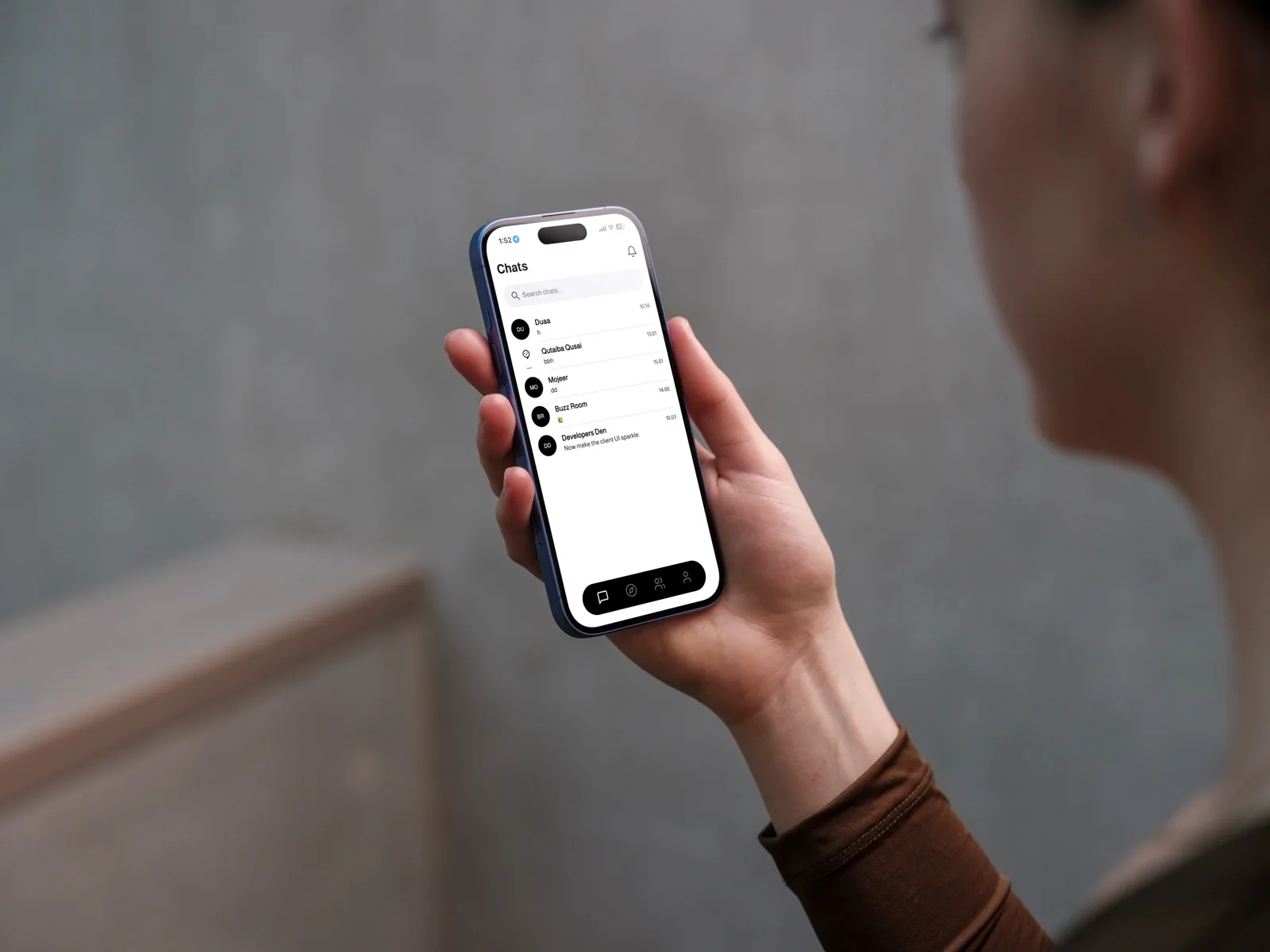
adaptive_foreground is a Flutter package I designed and published to solve a recurring problem: text and icons that need to stay legible over scrolling, dynamic backgrounds. It ships two pieces — an AppAdaptiveForeground widget that live-samples the rendered background to pick the highest-contrast foreground color, and an AdaptiveNavBar, a pixel-perfect recreation of Apple App Store's frosted, adaptive bottom navigation bar, built entirely in Flutter with no native platform channels.
Features
- AppAdaptiveForeground — automatically selects the highest-contrast foreground color (black or white) from live luminance sampling of the rendered background
- AdaptiveNavBar — a pixel-perfect, pure-Flutter replica of the App Store's adaptive bottom navigation bar, reading the content scrolling beneath it
- Luminance backdrop sampling — periodic low-res RepaintBoundary snapshots (0.1 scale) calculate average color and luminance without a performance hit
- Surface adaptation — frosted glass overlays shift between dark, light, and warm tints based on the background's HSL values
- Contrast & tint flipping — active/inactive label weights and colors flip automatically for WCAG-compliant readability
- Status-bar sync — SystemUiOverlayStyle brightness flags stay in sync with the resolved foreground automatically
Engineering Decisions
Every design choice was driven by production-grade standards: a minimal API surface, pure Flutter rendering with no platform channels, and sampling that stays cheap enough to run every frame without dropping performance.
- Debounced sampling — a 100ms+ interval floor with smooth 250ms curve transitions prevents visual flicker on fast-scrolling content
- Hysteresis dead zone — switches to bright only past threshold + 0.08, and to dark only below threshold − 0.08, eliminating oscillation right at the boundary
- Two sampling strategies — an instant backgroundColorHint for known solid backgrounds, or a live samplingKey + RepaintBoundary for dynamic images and gradients
- Pure Flutter glass — BackdropFilter with ImageFilter.blur(sigmaX: 20, sigmaY: 20) and micro-thin adaptive borders, no native platform channels required
- Cross-platform action button — AppButtonIosAndroid renders SF Symbols on iOS and Material icons elsewhere from a single API